

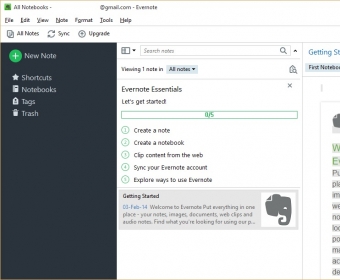
Evernote 3.0 is software which allows you to easily capture information in any environment and makes this information accessible and searchable in any time, from anywhere. To use this program you have to create your own free account. Everyday we deal with lots of information content and sometimes miss something really important for us. Evernote 3.0 helps to solve the problem of forgetting useful information. Capture everything that seems useful and save it in a note so you will be able to find it later. By such notes you can save tasks, web pages, screenshots, and scribbles. During surfing the internet just select information from any web page and click special Evernote icon in the toolbar of your internet browser and it will be automatically added into your notebook. Evernote 3.0 has an organized scrollable list of notes which are arranged chronologically by the date and time created. You can create special notebooks for grouping and sorting such notes. You can open your notes using any internet connected computer in any place you like. Just install this software and log in your account.


Synchronizes Outlook contacts, calendars and tasks with iCloud service.














Comments (16)
Reminder messages do not always top.